
SHOPPERMO STUDIOSHOPPERMO STUDIO · FOR INDEPENDENT SHOPS
One AI image is luck.Your shop deserves aStudio you can direct.
Create finished photos for your website, product pages, social and email.Choose the piece, look, model, space and frame for photography made for your website, product pages, social and email.
Your first 10 Standard photos are free, with one finished take each. No card.
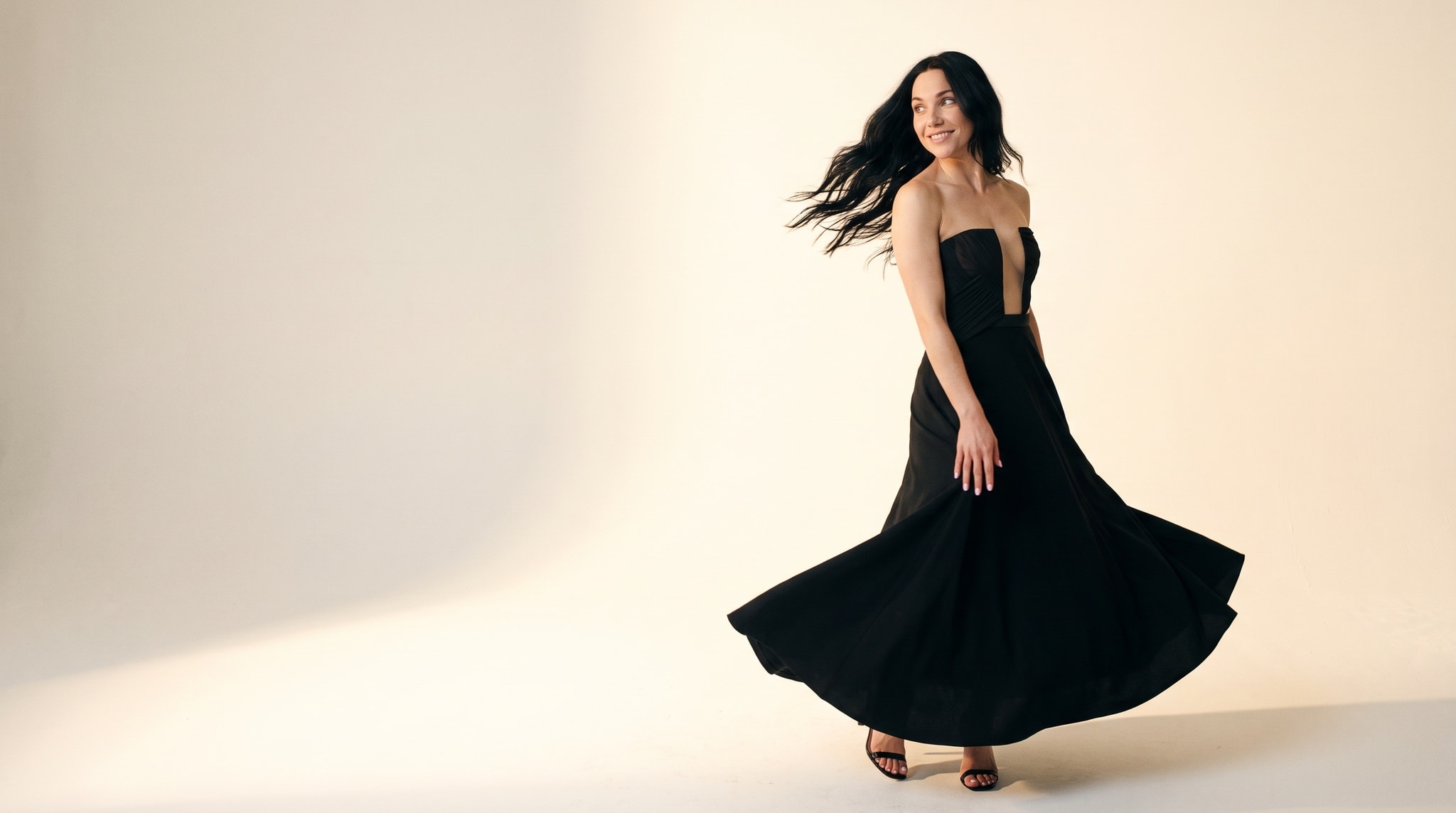
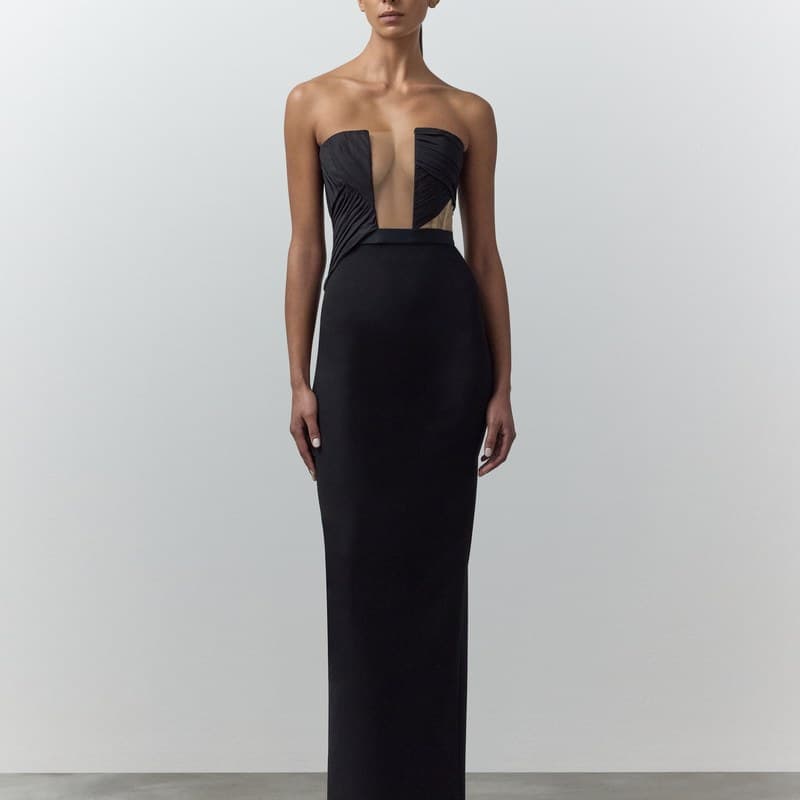
Source photo
Generated example. Results vary; review product details before publishing.
CREATE YOUR FIRST PHOTO
Direct your first photo.
Add one product photo, then choose the look, model, space and frame.
PLANS
Choose the Studio plan for your photo volume.
Live plans are measured in finished Standard, HD and 4K photos.
Do I need an account before I choose the photo?
No. Add your product and make every creative choice first. When you press Create this photo, we ask you to verify your email before the photo begins.
Why do I need to verify my email?
Verification protects the free Studio from automated use and gives us somewhere to deliver your photo. We do not begin the photo until the code is confirmed.
What is included free?
Your first 10 Standard photos are free. Each is one finished take, without Review, Keep decisions or re-rolls. This is one introductory allowance, not 10 photos each month. No card is required.
What does paid Studio include?
Studio and Pro are monthly self-serve plans. Both include one custom Model slot, one custom Studio slot and setup credits for optional Studio tidy-up or generated angles. A completed custom Model uses seven Standard photos; saving original room views is free. Paid Review includes up to two free re-rolls per shot, then you keep the latest take or keep all; each earlier take you keep uses one additional photo of the same quality. The live Pricing page is the source of truth for current prices and allowances.
What if a generated image is unusable?
Tell us within 7 days. We’ll review a technically unusable image and, where eligible, restore the photo to your allowance or arrange a manual remake. This is an unusable-image remedy, not unlimited creative revisions.
What kind of product photo should I use?
Use a clear image with one product fully visible. Supplier photography and well-lit phone photos can both work.
Which formats can I make?
Studio supports 1:1, 4:5, 9:16 and 16:9 frames for product pages, social posts, Stories, website headers and email imagery.
Will every photo match the product exactly?
Studio is designed to preserve the product and the choices you make, but generated imagery can vary small details. Review every photo before publishing it.
What happens to my work?
Unclaimed free-Studio uploads and photos are removed after 30 days. Work moved into your registered Studio stays saved with your Models and Studios.
START WITH ONE PIECE
Direct your first photo.
Choose the look, model, space and frame before you open your free Studio.
Your first 10 Standard photos are free, with one finished take each. No card.